
Flow AI Image Generator: Create and Edit Images with Nano Banana
Write a prompt, or upload a photo and say what to change. This Flow AI image generator runs Nano Banana 2 and Nano Banana Pro, the Google models behind Flow AI images, plus GPT Image 2, in your browser. Download up to 4K, no visible watermark, no daily cap.
- Free credits to start
- Nano Banana 2 & Pro
- Up to 4K
- No visible watermark
- Edit your own photos
Opens the image studio with your prompt. Sign in to generate.
Flow AI Studio is an independent image generator. It is not affiliated with, endorsed by or connected to Google or Google Flow. Google, Flow, Gemini and Nano Banana are trademarks of Google LLC.
What the Flow AI image generator can make
Sample Flow AI images from the same models, each with the prompt that made it. Press Use this prompt to start from one.
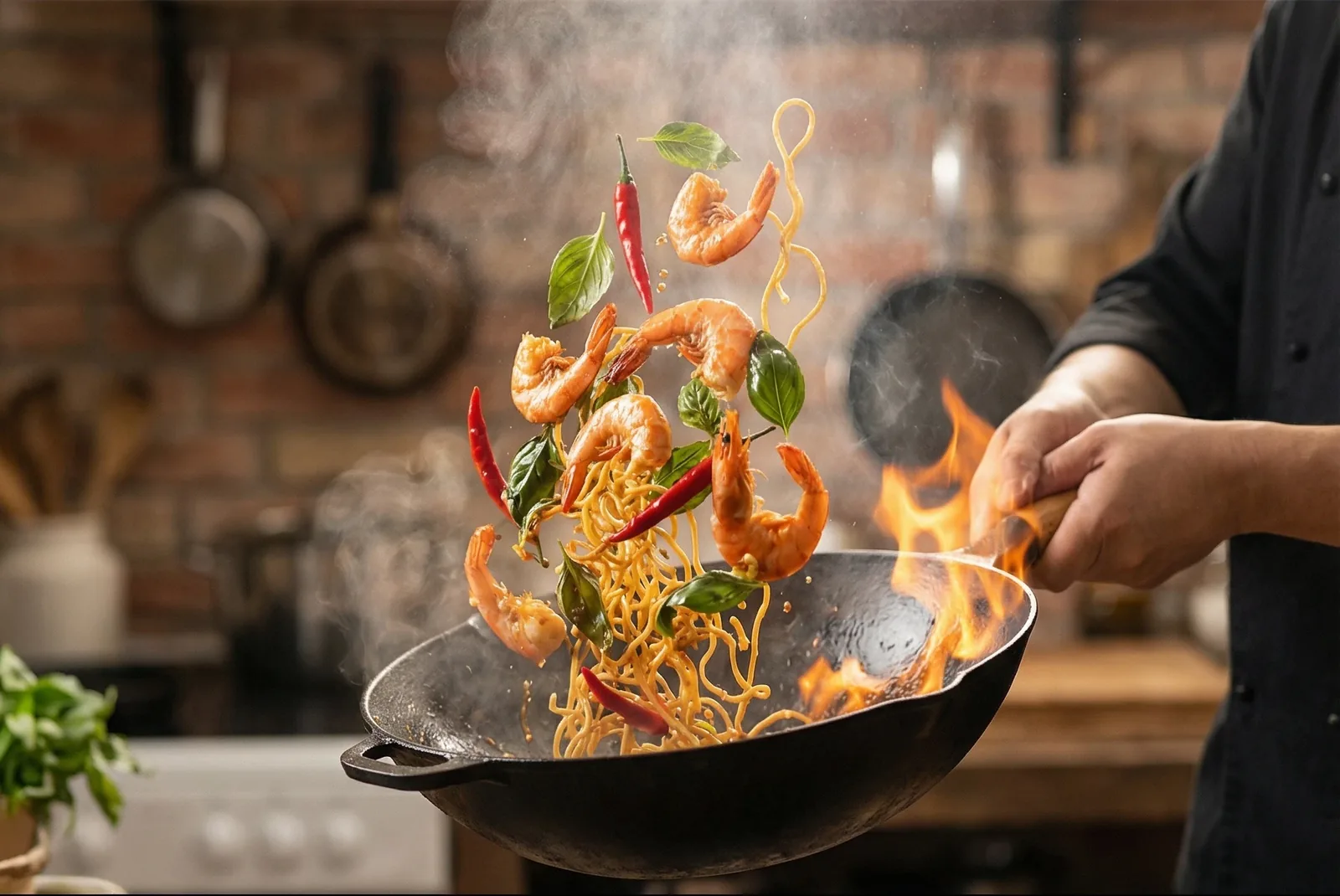
Cinematic stillNano Banana Pro
Prompt
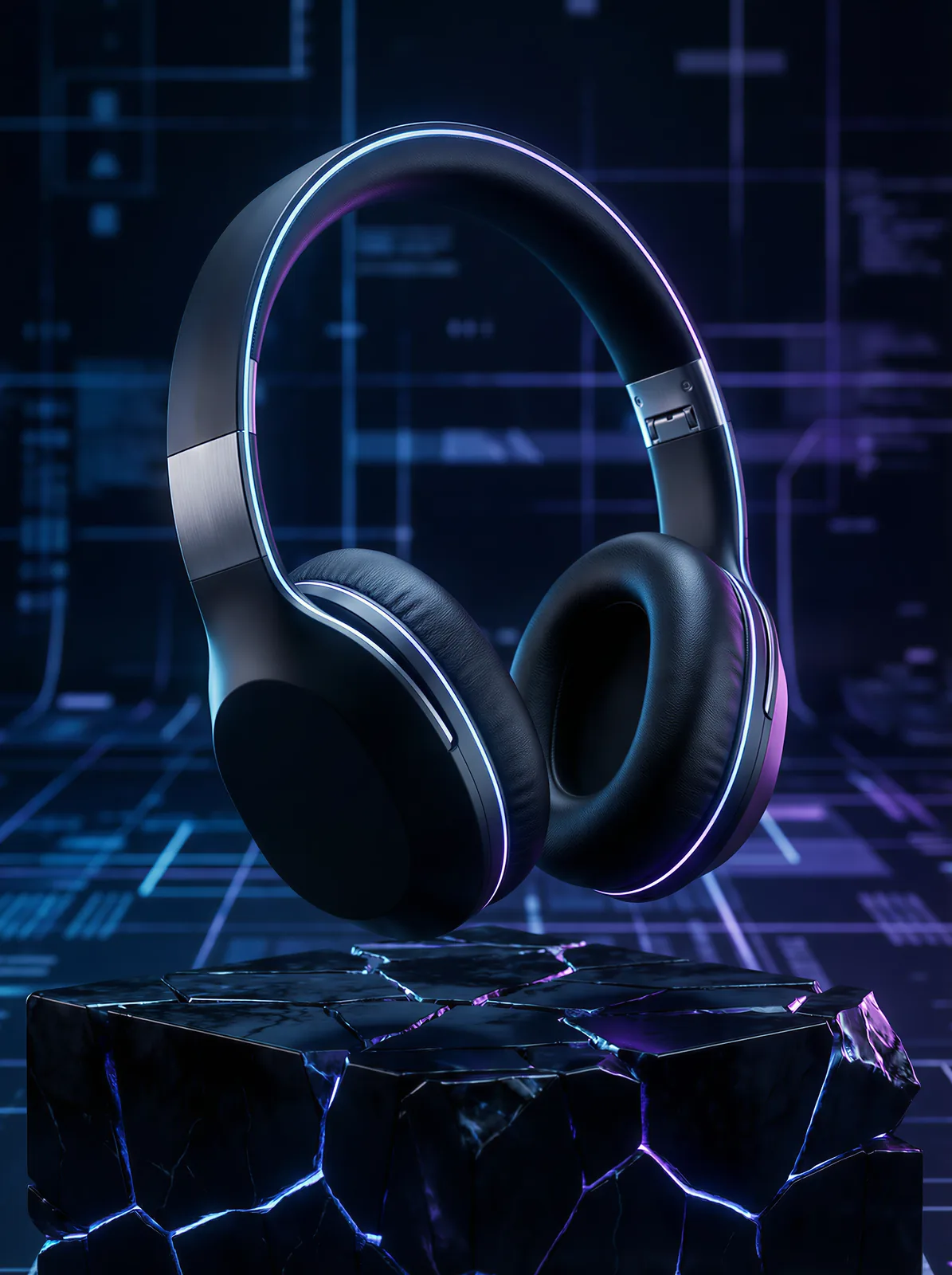
Product photoNano Banana Pro
Prompt
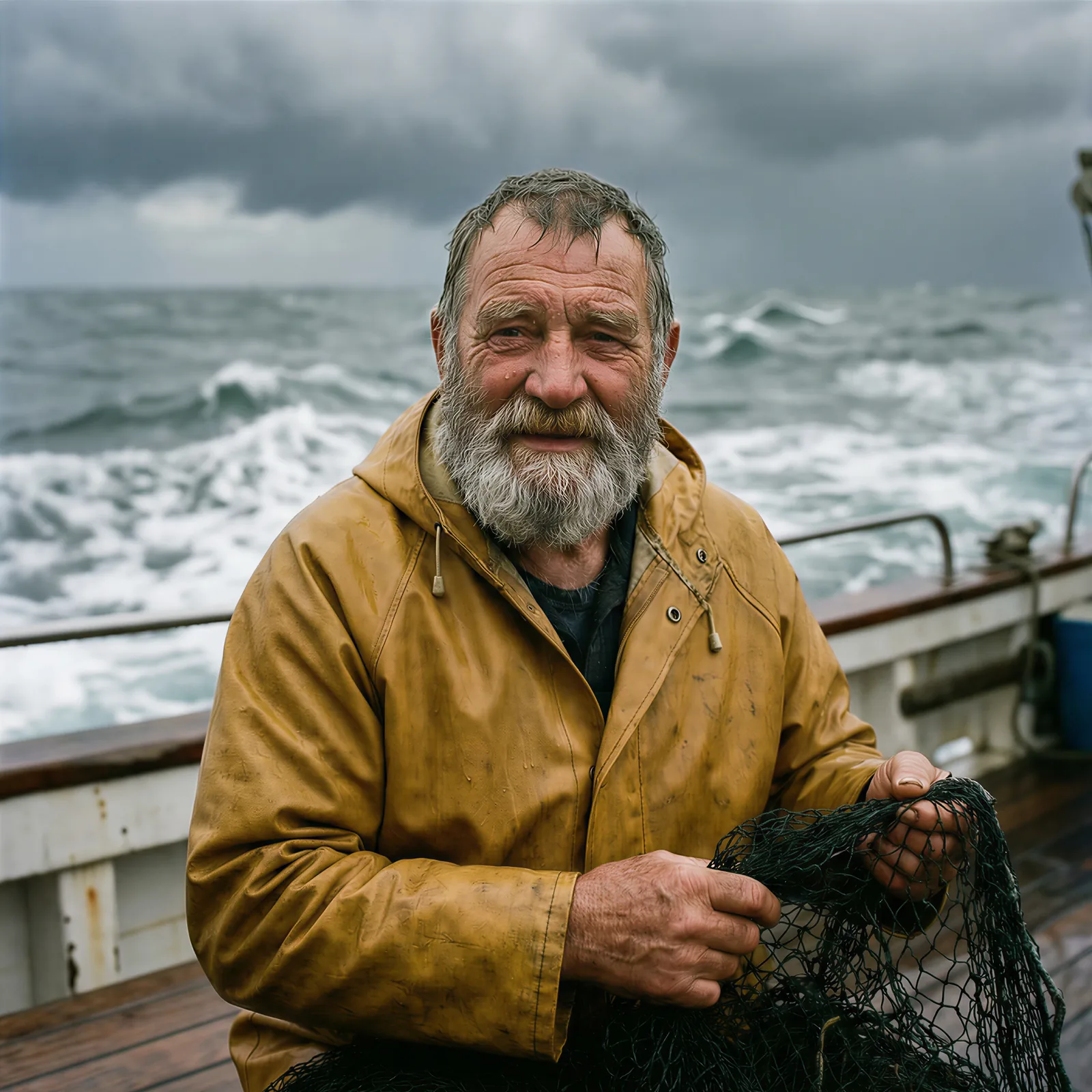
PortraitNano Banana Pro
Prompt
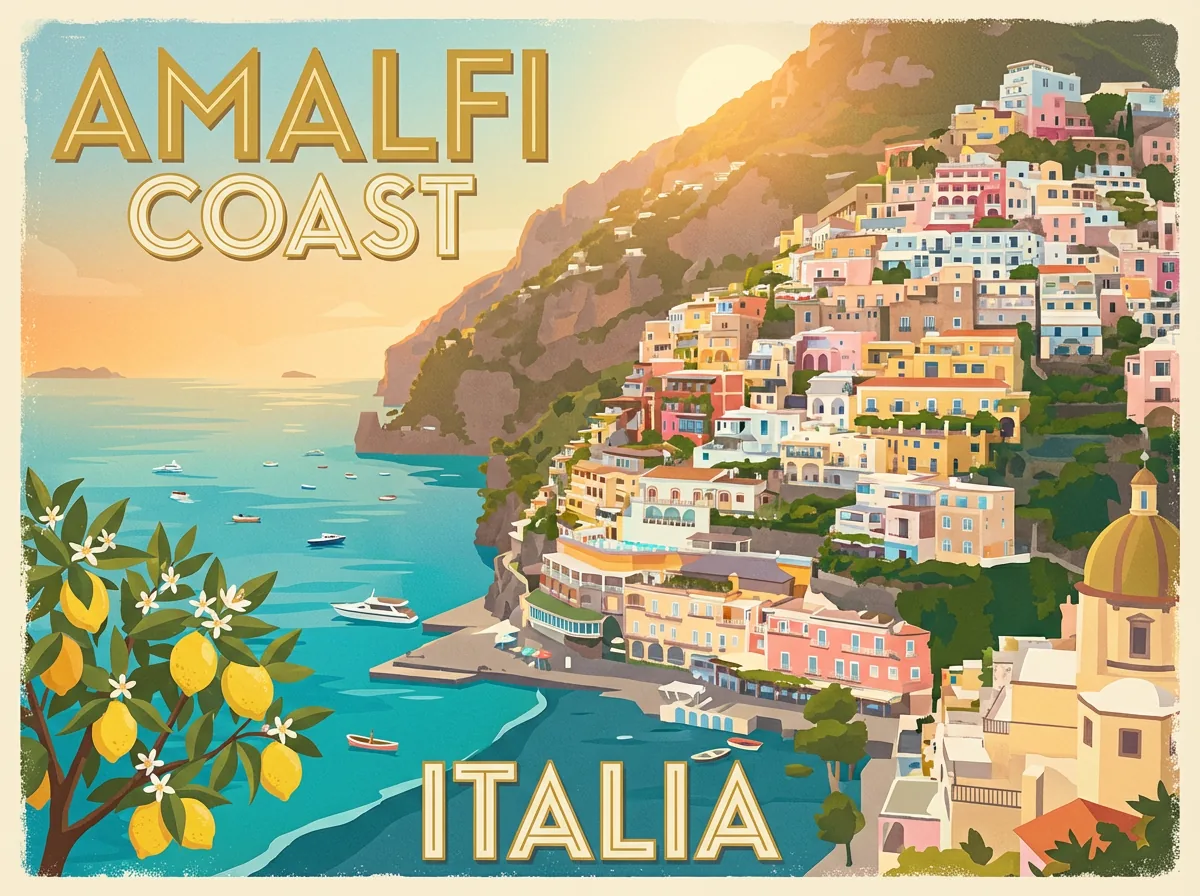
Poster with textNano Banana Pro
Prompt
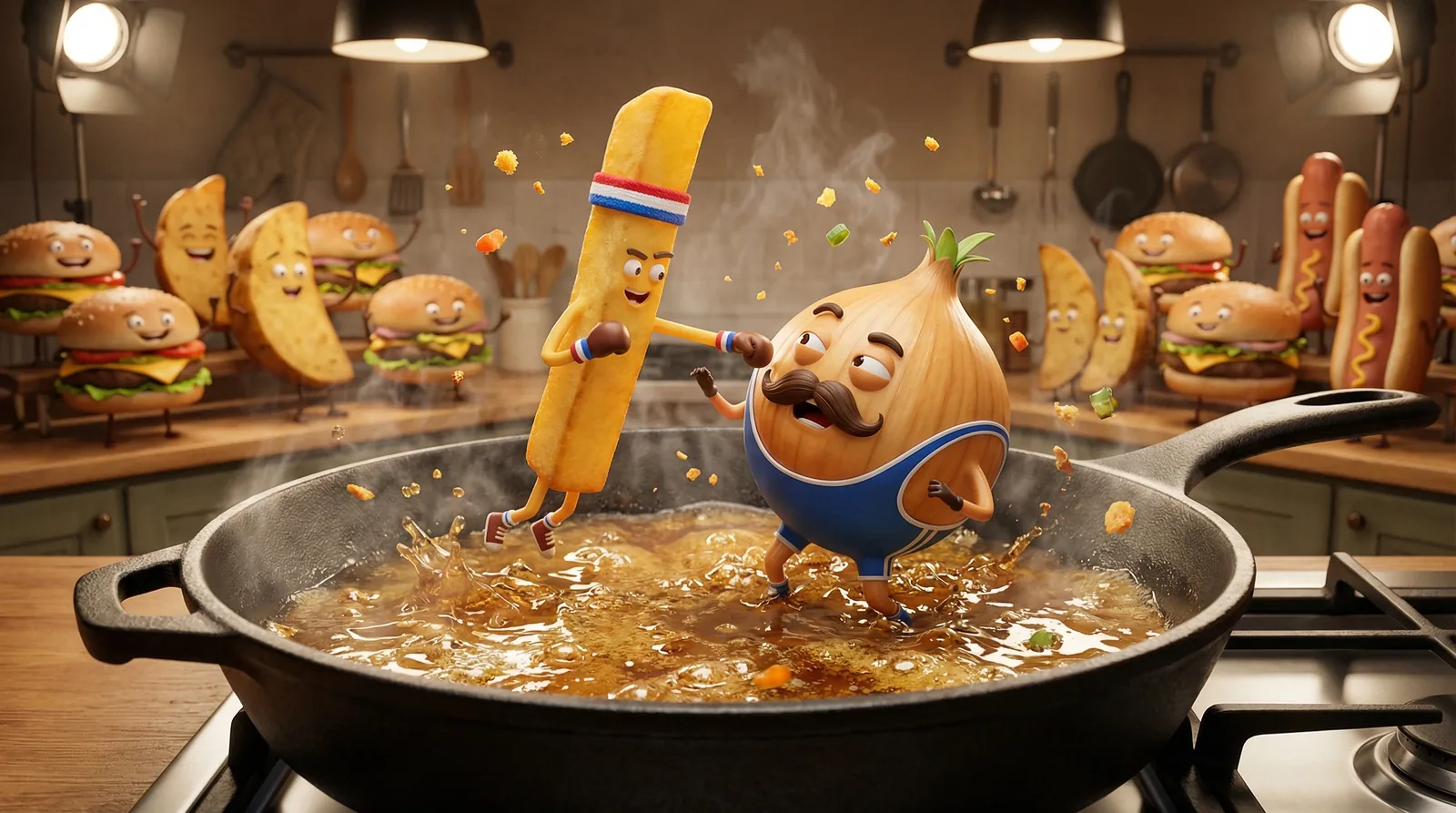
3D cartoonNano Banana Pro
Prompt
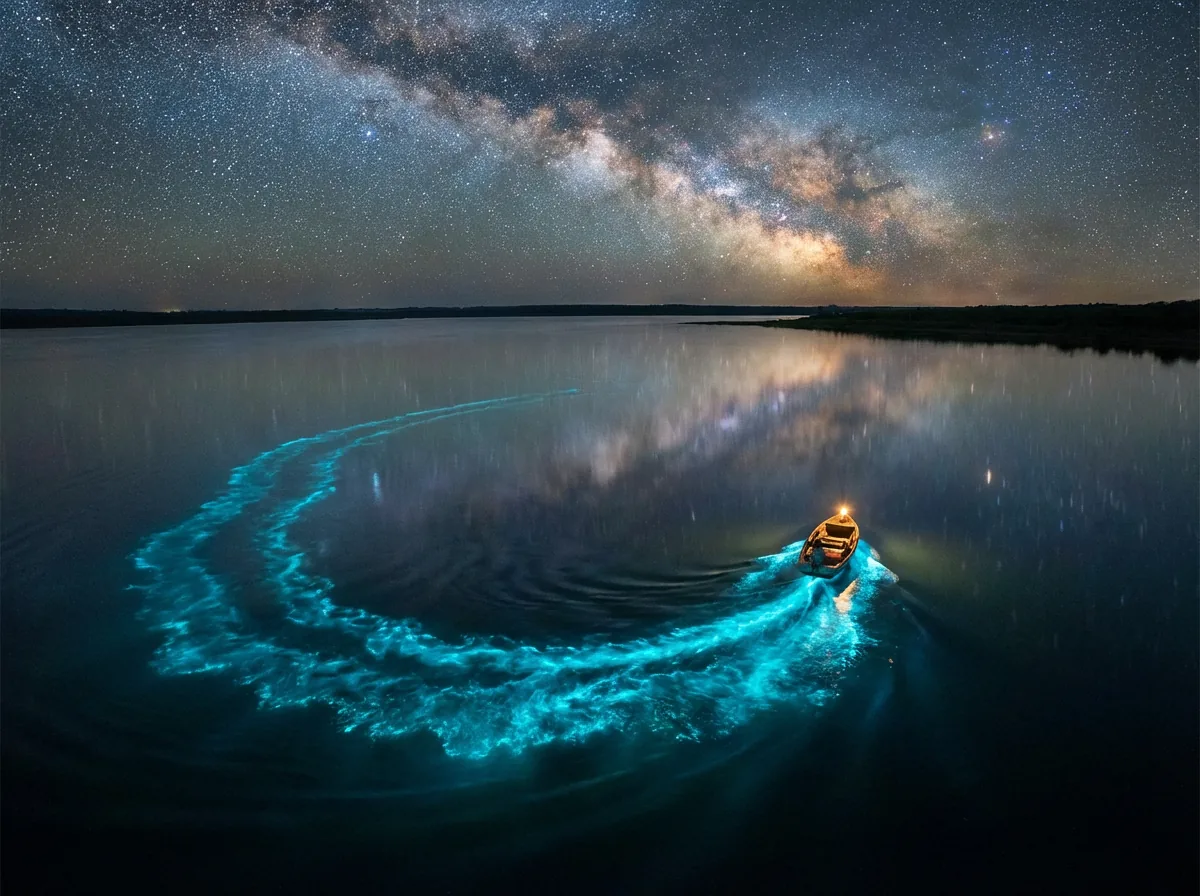
LandscapeNano Banana 2
Prompt
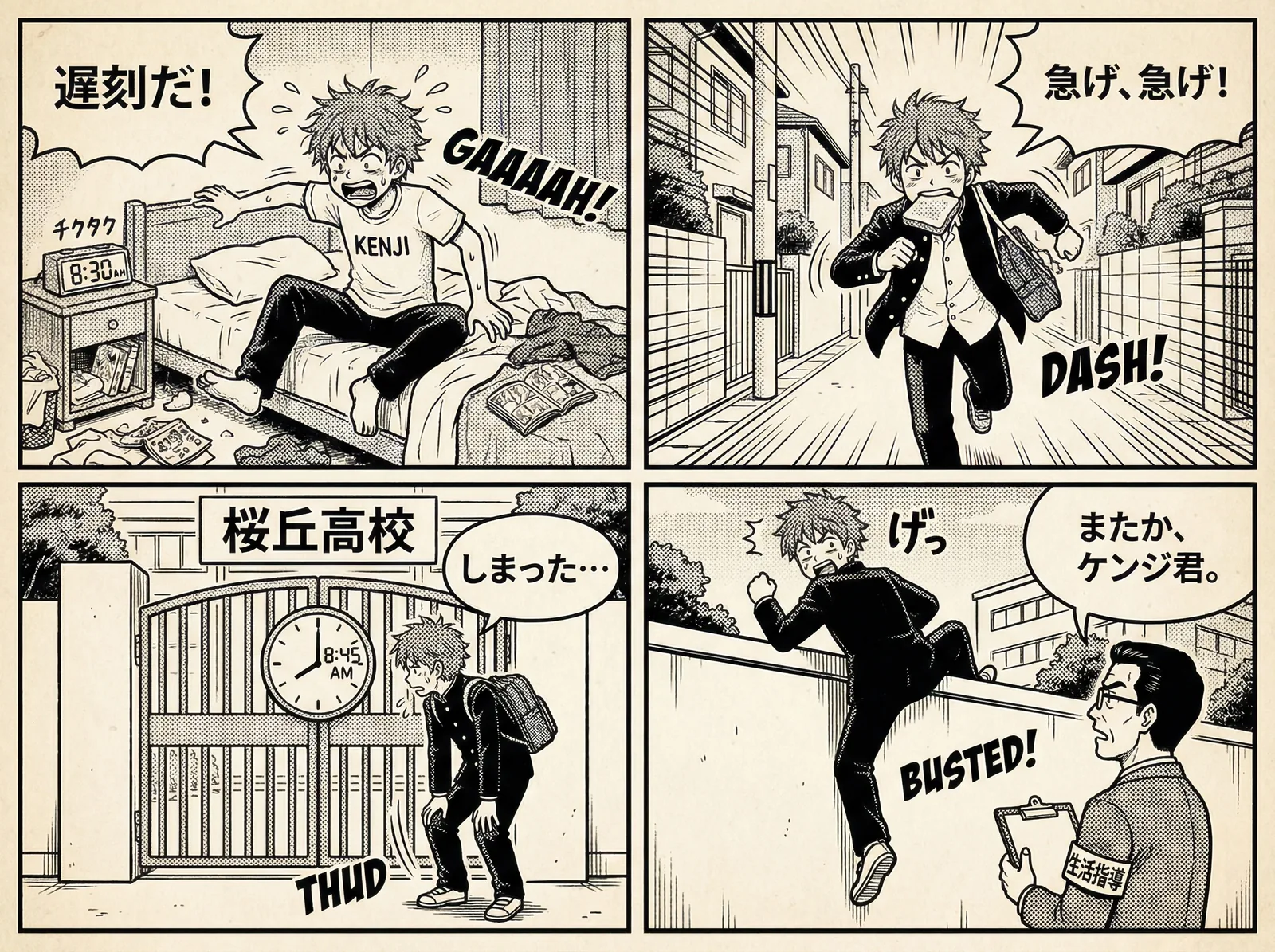
Comic panelsNano Banana Pro
Prompt
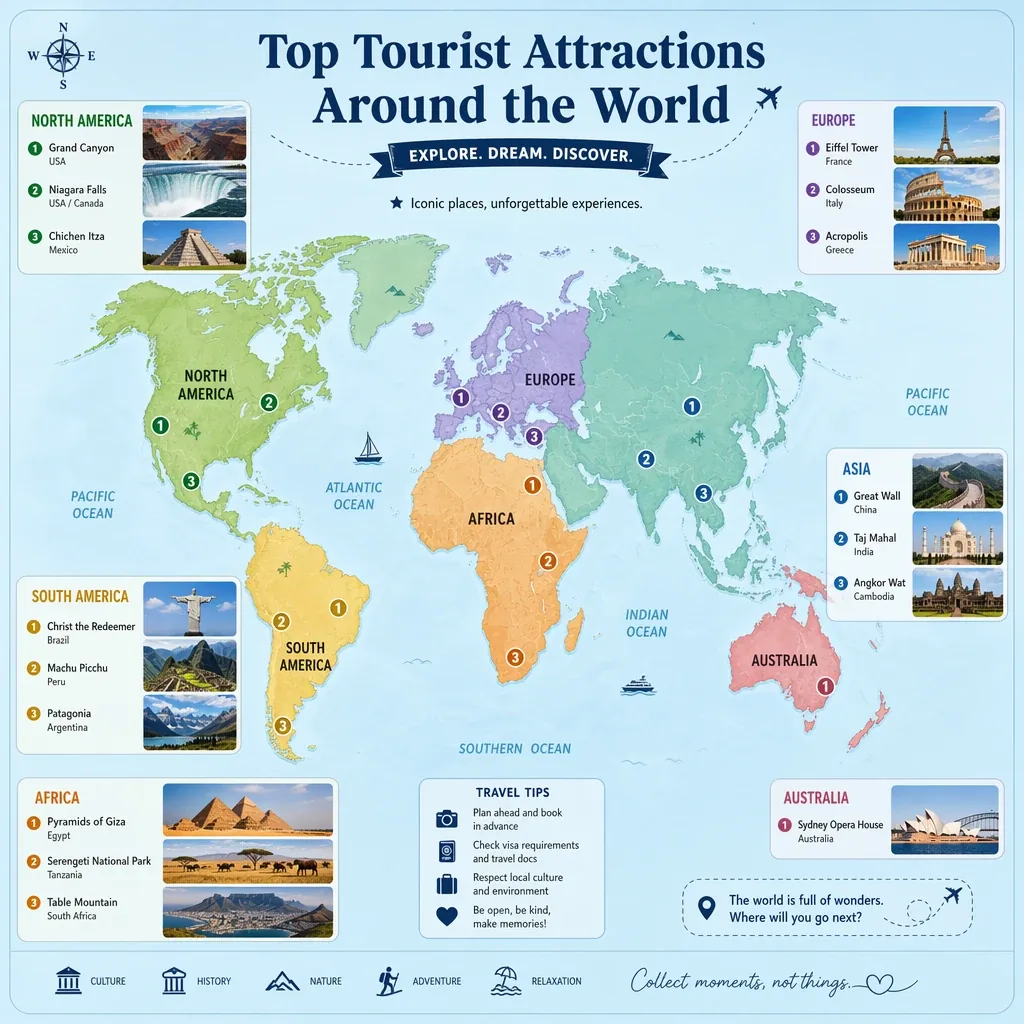
Infographic mapGPT Image 2
Prompt
What is a Flow AI image generator?
Google Flow is Google’s AI studio for video and images. Flow AI videos come from Veo; Flow AI images come from Nano Banana, the Gemini image models — Nano Banana 2 for fast pictures and Nano Banana Pro for the most detailed ones. Most people open Flow to make a still first, then turn it into a video.
Flow users report the same catches again and again: a daily image cap the app never shows, a visible watermark on free images in some countries, downloads above 1K only on paid plans, and harmless prompts refused with “This generation might violate our policies”.
Flow AI Studio is a separate Flow AI image generator that runs the same Nano Banana models, plus OpenAI’s GPT Image 2, on a simple credit balance. You see the price before you press the button, a failed image costs nothing, and downloads go up to 4K.
How to use the Flow AI image generator
Four steps from an idea to a finished picture. The same Flow AI box edits photos too.
- 1
Write a prompt
Say what is in the picture, where it is and how it is lit: “a red sneaker floating over a splash of water, studio light, black background”.
- 2
Pick a model and a shape
Nano Banana 2 for speed, Nano Banana Pro for detail and text, GPT Image 2 for faces and fine edits. Choose 1:1, 16:9, 9:16 or 4:3.
- 3
Choose a resolution
Generate at 1K to explore, then go to 2K or 4K for the keeper. The credit price of each size is shown on the button.
- 4
Generate and download
Most Flow AI images are ready in under a minute. They are saved to your history and download as PNG files with no visible watermark.
Edit images with a prompt
The Flow AI image generator is also a Flow AI image editor. Upload a picture, write what should change and what must stay, and the model repaints only that.
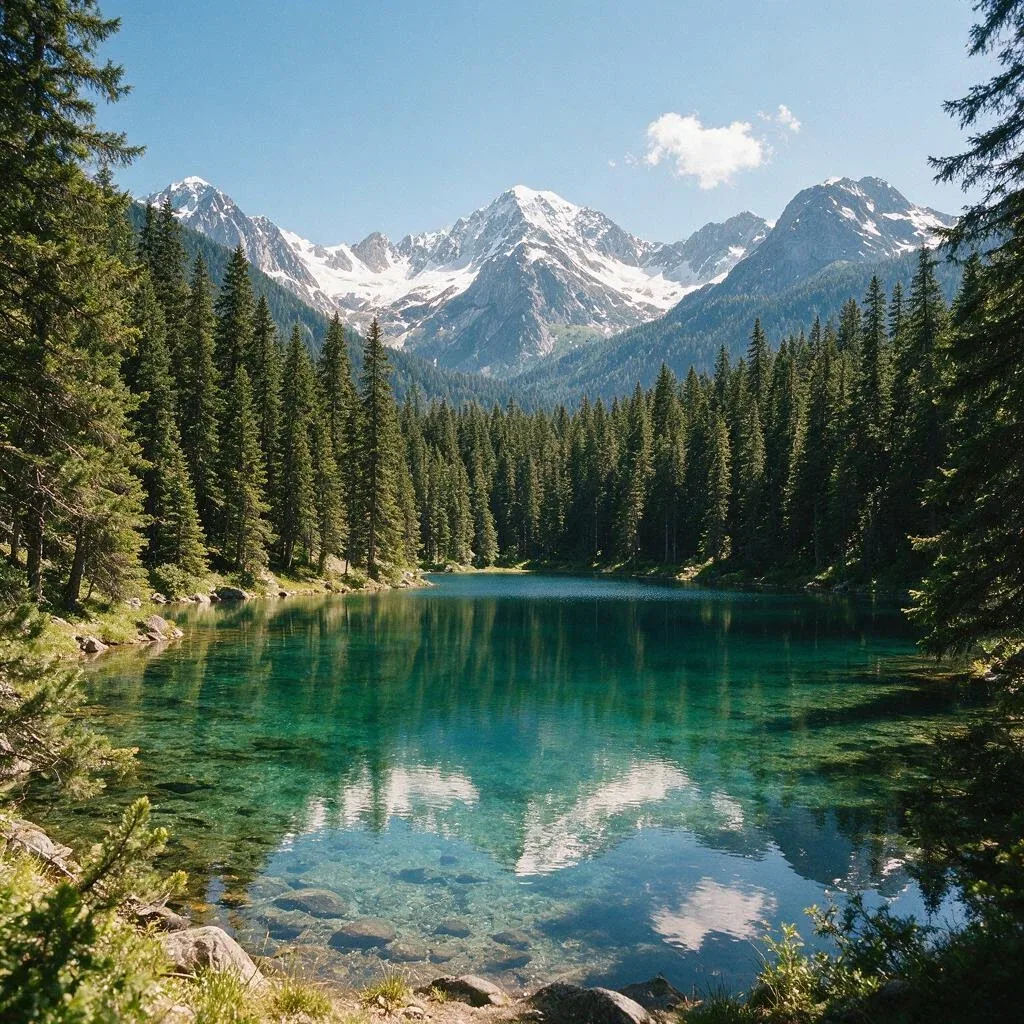 Before
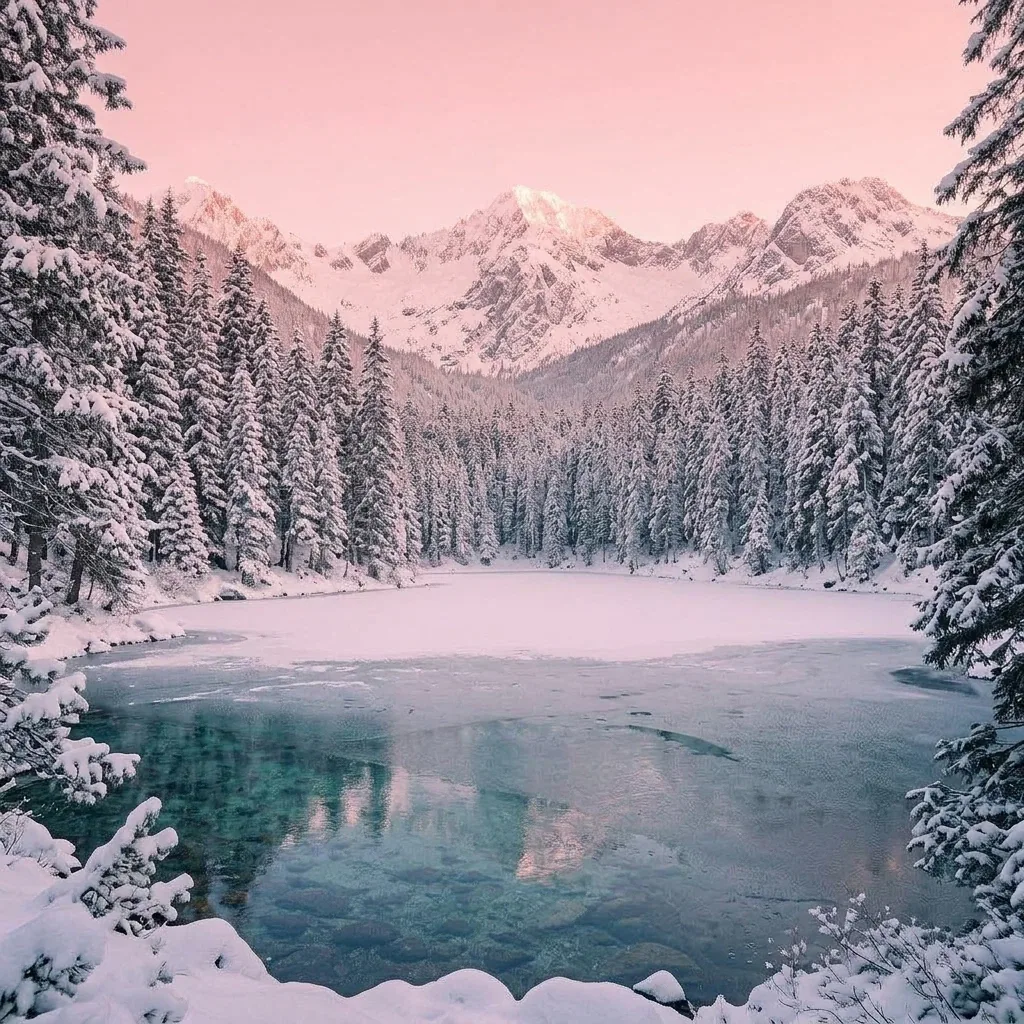 After
AfterEdit prompt
Change the season to deep winter. Keep the lake, mountains and camera angle the same, but freeze the lake surface with a thin layer of ice and snow, cover the pine trees in fresh snow, and make the sky clear with soft pink sunrise light.
Change the background
Move a product or a person to a beach, a studio or a city street, with the light matched to the new scene.
Change clothes and colours
Try an outfit, a hair colour or a new colour of the same product without a reshoot.
Add or remove things
Put a cup on the table, take a stranger out of the shot, add snow or rain to the scene.
Restyle a picture
Turn a photo into a watercolour, a 3D cartoon or a flat illustration while the layout stays.
Say what must not change — “keep the face and the logo exactly the same” — and the edit stays faithful to your photo.
Nano Banana 2, Nano Banana Pro or GPT Image 2?
All three AI models are in the Flow AI image generator box. Prices are per image, in credits.
| Model | Best for | Credits per image | Largest size |
|---|---|---|---|
| Nano Banana 2 | Fast everyday images, drafts and variations; one of the two image models in Google Flow | 40 at 1K – 80 at 4K | 4K |
| Nano Banana Pro | The most detail, readable text on posters and thumbnails, complex scenes | 75 at 1K – 150 at 4K | 4K |
| GPT Image 2 | Faces that stay the same, precise edits, graphic design | 3 – 106 at 1K, by quality | 4K |
Flow AI image generator vs Google Flow
This Flow AI image generator and Google Flow both run Nano Banana. What changes is how you pay, what you download and what happens when an image fails. The Google Flow column is what Flow users report; Google can change it at any time.
| Google Flow | Flow AI Studio | |
|---|---|---|
| How many images | Listed at 0 credits, with a daily cap users say the app does not show | As many as your credits cover, priced on the button |
| Watermark | Visible watermark on free images in some countries | No visible watermark on any plan |
| Download size | 1K; users report 2K needs Pro and 4K needs Ultra | 1K, 2K or 4K, your pick |
| Failed generations | Frequent “might violate our policies” refusals | Credits come back automatically when an image fails |
| Models | Nano Banana family | Nano Banana 2, Nano Banana Pro and GPT Image 2 |
Prompt tips for sharper AI images
Every Flow AI image generator reads prompts like a brief to a photographer: the more concrete the scene, the less the model has to guess.
Vague
A cool picture of a coffee cup.
Specific
A white ceramic coffee cup on a wooden café table by the window, morning sun, steam rising, shallow depth of field, shot on a 50mm lens.
Subject, setting, light
Name the subject, then where it is and how it is lit. Those three carry most of the picture.
Put text in quotes
For a poster or a thumbnail, write the exact words in quotes: the headline “SUMMER SALE”. Nano Banana Pro renders them most cleanly.
Name the style
Photo, watercolour, 3D cartoon, anime, flat vector, film still. One clear style beats a list of five.
Ask for the camera
Close-up, wide shot, top-down, 35mm, macro. Camera words decide the framing better than adjectives.
Keep characters consistent
Upload your character as a photo to edit and describe the new scene instead of the face.
Change one thing at a time
When an image is nearly right, edit it with one instruction rather than a new prompt.
From image to video
Most Flow AI images end up as the first frame of a video. When your picture is ready, upload it to the Flow AI video generator, describe the movement and Veo 3.1 turns it into a short clip with sound.
Turn an image into a videoIs the Flow AI image generator free?
Every new account gets 100 free credits for the Flow AI image generator with no card, enough for 2 Nano Banana 2 images at 1K.
After that you top up when you need to: the smallest pack is $49 for 4000 credits, or pick a monthly plan. There is no daily cap and credits from failed images are refunded automatically. Commercial use is included on every plan.
Flow AI image generator FAQ
Is the Flow AI image generator free?
You can start free: every new account gets 100 credits with no card. Google Flow itself lists images at 0 credits, but users report a daily limit that the app does not display.
Which model does Google Flow use for images?
Flow makes its images with Google’s Nano Banana models, Nano Banana 2 and Nano Banana Pro; its videos come from Veo. Both Nano Banana models are in the box on this page.
How do I use the Flow AI image generator?
Type a prompt in the box at the top of this page, pick Nano Banana 2 or Nano Banana Pro, choose a shape and press Generate image. It works in any browser, with no app to install.
Does Google Flow have a daily image limit?
Users report that it does, even though images are listed at zero credits, and that the limit changes. On Flow AI Studio there is no daily cap: each image costs the credits shown on the button.
Does the Flow AI image generator add a watermark?
No visible one: images download as PNG files with no logo. Like every image from Google’s models, Nano Banana images carry SynthID, an invisible marker that identifies them as AI-made.
Can the Flow AI image generator edit my own photos?
Yes. Add a photo in the box, write what to change and what to keep, and press Edit photo. Edits cost the same credits as a new image at that size.
Why does Google Flow say my image “might violate our policies”?
Flow users report that its filters often refuse ordinary prompts, especially of realistic people. Flow AI Studio has rules too — nothing sexual, no real public figures, nothing harmful — and a failed AI image refunds its credits automatically.
What resolution can I download?
1K, 2K or 4K on all three models. Pick the size before you generate; larger sizes cost more credits.
Can I use the images commercially?
Yes, on every plan, including Flow AI images made with the free credits. Do not use other people’s likeness, logos or characters without permission.
Is this Google Flow?
No. Flow AI Studio is an independent Flow AI image generator, not affiliated with Google. It runs Nano Banana, which Google also offers to developers through its API, and GPT Image 2 from OpenAI.
Make your first image
Write a prompt or upload a photo. Free credits to start, up to 4K, no visible watermark.
Open the Flow AI image generatorRelated tools
Other Flow AI Studio pages that open the same studio, set up for a different job.